
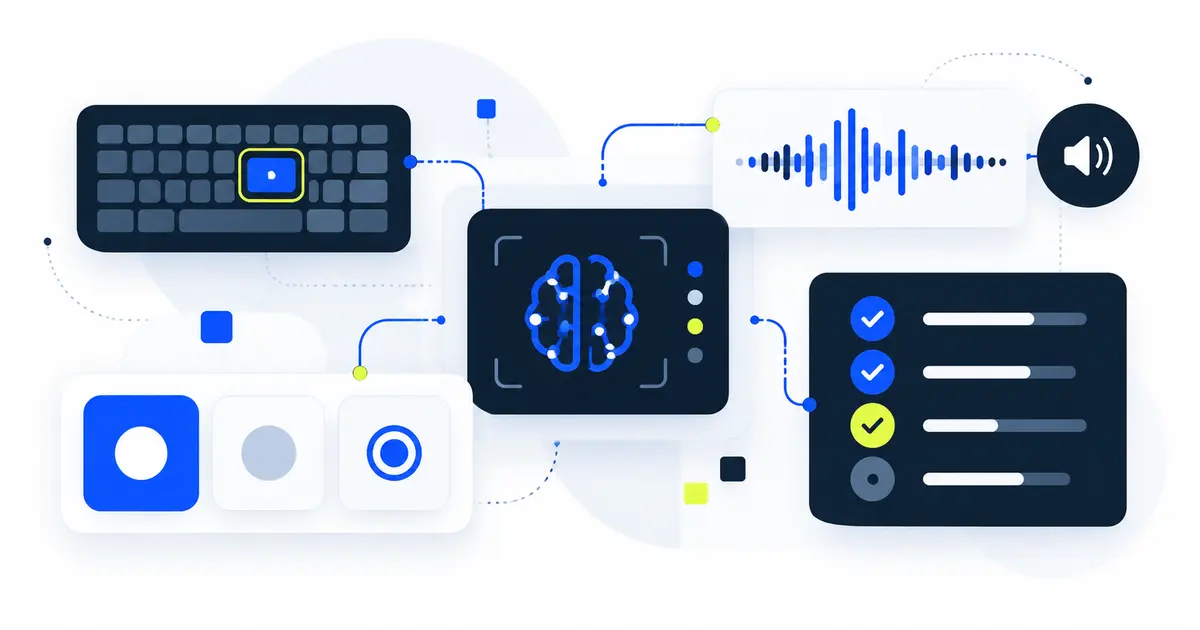
If an AI tool saves time but a teammate cannot operate it reliably with a keyboard, screen reader, voice input, or touch, is it ready for everyday work? I do not think so. Accessibility affects who can complete the workflow, how consistently the team can deliver, and whether a new tool creates hidden support work.
This is a practical explainer rather than a breaking-news report. Anthropic published an Accessibility Conformance Report for Claude Code CLI on October 6, 2026. The company says the report covers WCAG 2.2 Levels A and AA and highlights a screen-reader mode that presents the interface as plain, linear text. That is useful vendor evidence, but a conformance report should begin a review rather than finish it.
W3C’s WCAG 2.2 guidance gives teams concrete checks. It covers keyboard access, visible focus, focus that is not obscured, and minimum pointer-target size. These requirements matter in AI products because a prompt box is only one part of the experience: users also need to review generated content, navigate citations, approve actions, correct errors, and recover from failures.
Request evidence for the exact product
Ask for an Accessibility Conformance Report, often based on the VPAT format, for the exact web, desktop, mobile, or command-line product you plan to use. Record its version and date. A report for one interface does not automatically describe another, and a report can become outdated after major interface changes.
Convert every “partially supports” or “does not support” statement into a practical question: which workflow is affected, who encounters the barrier, and is there a documented alternative?
Test the critical workflow without a mouse
Choose one real task, such as drafting a client response, reviewing sources, editing the result, exporting it, and sharing it for approval. Complete the whole sequence with a keyboard. Check that focus moves in a logical order, remains visible, does not become trapped, and is not hidden behind a sticky panel.
W3C explains that visible focus helps people who rely on a keyboard know which control will respond. Its WCAG 2.2 guidance also sets a 24-by-24 CSS-pixel minimum target-size criterion, with defined exceptions. I would use that as a baseline and prefer larger controls for high-frequency actions.
Listen to the output, not only the interface
Use a screen reader to check whether headings, buttons, status changes, citations, tables, code blocks, and generated errors have meaningful names and a sensible reading order. Pay attention when the AI is streaming a response. A visual update is not useful if assistive technology never announces it or interrupts the user continuously.
Test correction and recovery
Deliberately submit an incomplete prompt, trigger a validation error, stop generation, and retry. Confirm that the problem is described in text, focus moves somewhere useful, and the user can recover without restarting the task. Also check zoom, text resizing, color contrast, reduced motion, and mobile reflow.
Assign an owner after launch
Document who receives accessibility problems, the response time, the workaround, and the condition for pausing a rollout. Recheck the critical workflow after major releases. Include disabled users in testing when possible and compensate them for their expertise.
My practical takeaway is simple: treat accessibility evidence like security or privacy evidence. Read the vendor document, test your own workflow, record gaps, and keep an accountable owner. A feature-rich AI tool is operationally incomplete when part of the team cannot use it independently.
Sources and further reading
- Anthropic Trust Center · Updated Accessibility Conformance Report for Claude Code CLI · October 6, 2026
- W3C Web Accessibility Initiative · What’s new in WCAG 2.2
- W3C · Understanding Focus Visible
- W3C · Understanding Target Size (Minimum)
Anthropic’s statements describe its own report and product. The operational checklist is my practical interpretation of the vendor material and W3C guidance.
Related: how I approach dependable operations, reviewing access controls for AI tools, and more Daily Blogs.