
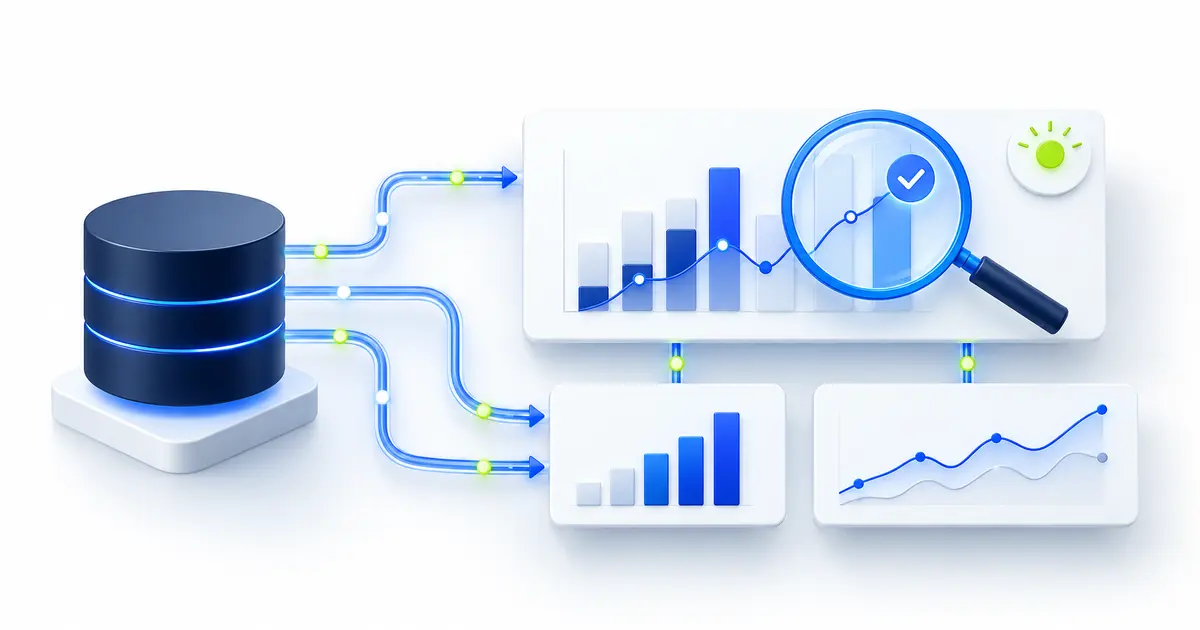
If an AI can turn a plain-language question into a live dashboard, when is that dashboard reliable enough to guide a client update, staffing plan, or sales decision? The answer is not “when it looks finished.” It is when the data path and business meaning have been checked.
On October 8, 2026, Anthropic launched Claude Dashboards in beta on paid plans. The company says users can connect platforms such as BigQuery, Databricks, Snowflake, Redshift, or Salesforce, ask a question in natural language, and receive a dashboard that updates as the data changes. Each chart can show its generated query and last-refresh time. Reuters independently confirmed the launch alongside Claude Motion, a tool for creating editable animated explainers.
Those are the product facts. My operational view is that easier dashboard creation increases the need for review. A wrong metric can become more persuasive when it arrives in a clean chart.
1. Confirm the business definition
Before checking the query, define the metric in ordinary language. Does “active customer” mean anyone who logged in, paid, or used the product during a specific period? Does “resolved ticket” include reopened cases? Write the definition, owner, timezone, exclusions, and reporting window beside the dashboard.
The AI can translate a question into code, but the team remains responsible for deciding what the question means.
2. Inspect the query and source
Claude exposes the query behind each chart, which is useful only if someone reviews it. Check the tables, joins, filters, date fields, duplicate handling, and treatment of missing values. Compare one result with a trusted report or a small manually calculated sample.
If nobody on the team can interpret the query, treat the dashboard as exploratory and ask a data owner to validate it before using it externally.
3. Make freshness visible
A dashboard can be technically correct and operationally stale. Record when the source data was updated, when the chart refreshed, and the maximum acceptable delay. A client-service dashboard may need near-real-time information, while a monthly capacity view may not.
Add a clear stop rule: if freshness exceeds the agreed limit, the dashboard should display a warning and should not trigger an automated action.
4. Review access before sharing
Connected dashboards may combine information from a warehouse, CRM, and other apps. Confirm that viewers are allowed to see every underlying field—not only the final chart. Remove unnecessary personal information, client identifiers, and sensitive notes before sharing outside the team.
Anthropic says Enterprise administrators can keep Dashboards off by default and limit access to selected groups. That is a useful starting point, not a replacement for a data-sharing policy.
5. Attach the decision and owner
Every operational dashboard should say what decision it supports, who owns that decision, and what happens when a threshold changes. A chart without an owner often becomes something people watch but nobody acts on.
For high-impact decisions, save a short snapshot or change receipt containing the metric definition, query version, refresh time, reviewer, and resulting action. This creates a traceable record even if the live dashboard changes later.
Use AI dashboards for exploration first
Anthropic’s own help guidance positions Dashboards for quick, exploratory questions and recommends moving deeper analysis into specialist tools when needed. That is a sensible boundary. Start with low-risk internal questions, compare results with existing reports, and expand only after the team understands common failure modes.
AI can shorten the distance between a question and a visual answer. Reliable operations still depend on the steps between that answer and the decision.
Sources and further reading
- Claude · Build live dashboards and animate explainers · October 8, 2026
- Claude Help Center · Get started with Claude Dashboards
- Reuters · Anthropic launches dashboard and animation tools · October 8, 2026
Feature availability and technical behavior are attributed to Anthropic; Reuters independently confirmed the launch. The verification checklist is my practical interpretation for operations and client-service teams.
Related: how I structure quality checks and escalation, operations and client support, and more Daily Blogs.